 Skip to navigation
Skip to main content





1Win Tools
10.00 $
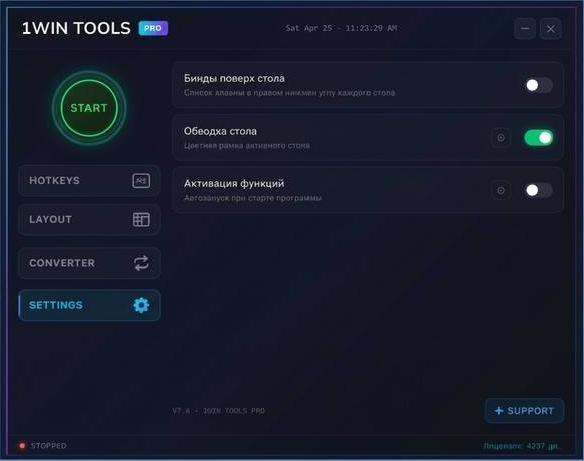
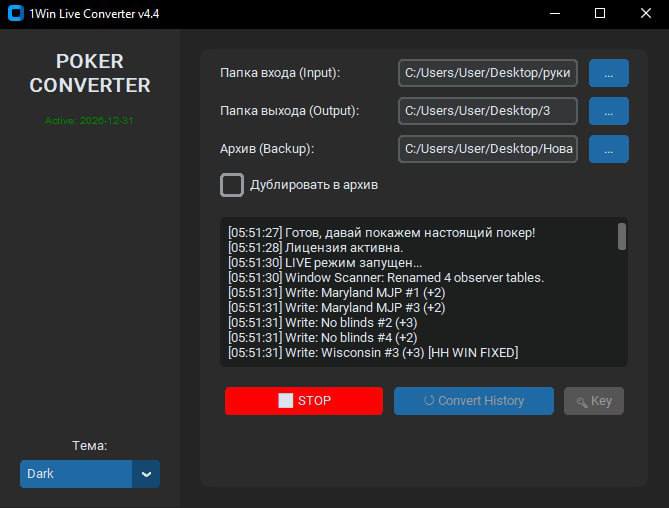
1Win Tools is a useful piece of software for the 1Win Poker room. It combines the capabilities of a converter and a program designed to simplify multi-tabling. 1Win Tools:
- converts hand histories and displays HUDs via Hand2Note 3 and Hand2Note 4;
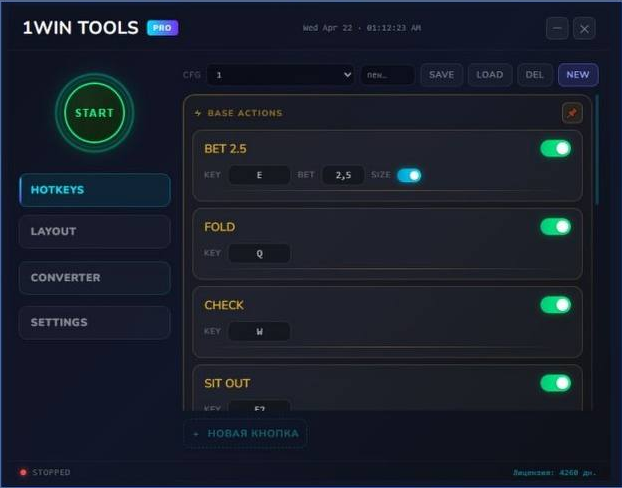
- assigns hotkeys;
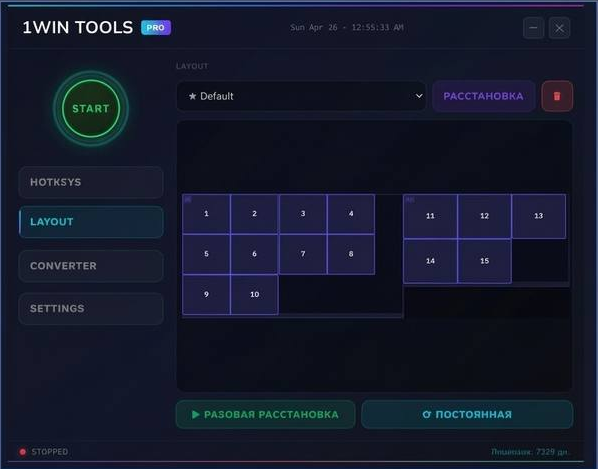
- arranges tables on the monitor screen.
The program is available in two versions: Junior and PRO. The Junior version allows you to convert and save hand histories to an H2N database. The PRO version enables you to display HUDs in real time, use hotkeys, and automatically arrange tables on the player’s screen.
2 People watching this product now!
Description
How to activate the software:
- Download the 1Win Tools installation file;
- Run the file and follow the installation wizard’s instructions;
- Launch the program;
- Copy your device ID;
- Enter your device ID into the order form when placing an order for 1Win Tools;
- Copy the license key sent by the seller;
- Click “Activate.”
How to configure the software:
- Right-click on 1WinTool.exe and select “Properties”;
- Go to the “Compatibility” tab and select “Run as administrator”;
- Open Windows Security and add the folder containing the file to your antivirus exceptions.
How to configure the poker room:
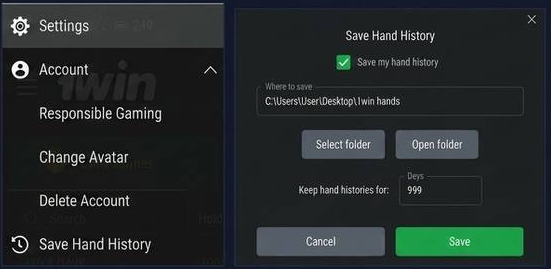
- In the 1Win settings, find the “Save hand history” tab;
- Open the tab, check the “Save my hand history” box, and select the folder where the hands will be saved;
- In the “Keep hand histories” field, set the duration to 999 days;
- Open any table and play one hand. The poker room client will create a folder containing your hand history.
- Select the folder from the previous step in the 1Win Tool input field;
- Set the language to English in the 1Win Poker client.
Reviews (0)
You must be logged in to post a review.
Related products


-10%


Reviews
There are no reviews yet.